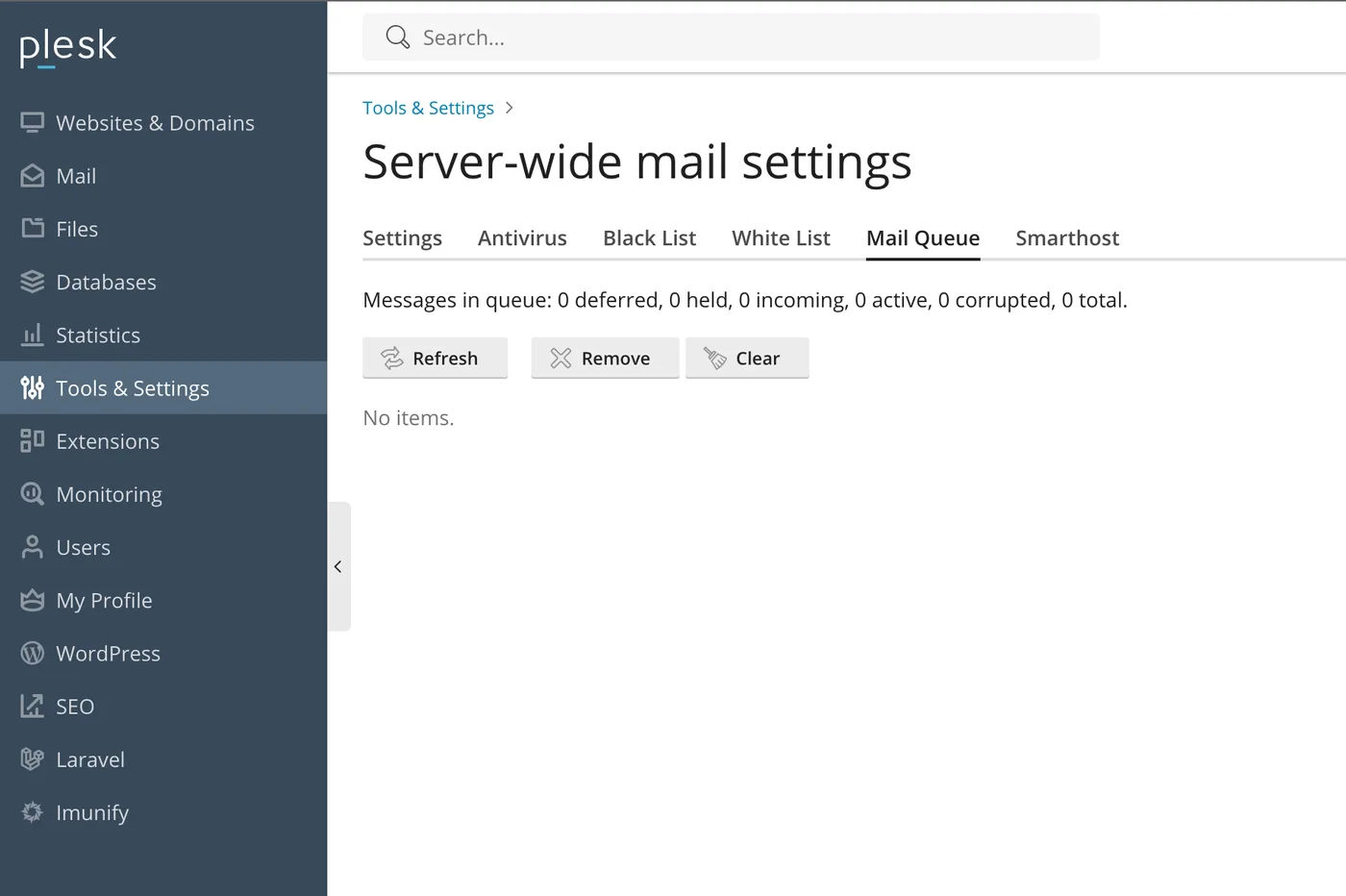
An Exim mail queue that keeps growing, or a batch of messages stuck in a frozen state that never leaves the server, is almost never the actual problem. It is the visible symptom of something else, most often a compromised account or script sending mail the server never intended to send. Clearing the queue without finding that source buys a few hours at best, since the same script keeps generating new messages the moment the queue is empty again.
Check the queue size and what is actually in it
Start with a count, then look at what the queue actually contains rather than assuming it is legitimate mail backing up:
exim -bpc
exim -bp | head -50
A queue in the thousands with senders you do not recognize, or subject lines that look like spam, points directly at a compromised script rather than a delivery problem. A queue with a handful of messages to one specific domain more often points at that domain's mail server being unreachable, a genuinely different and less urgent situation.
Find the actual source before touching anything else
Every message in the queue carries a cwd= field in Exim's main log showing the working directory of whatever process injected it. This is the single most useful piece of information for tracking down a compromised script:
grep "cwd=" /var/log/exim_mainlog | sort | uniq -c | sort -rn | head -20A working directory pointing into a specific WordPress site's wp-content/uploads/ folder, or an old, unmaintained contact form script, identifies the actual source directly. This is the same investigative approach covered in our guide on finding a spammer on a cPanel Exim server, which goes deeper into isolating the exact script or account responsible when the source is not immediately obvious from the queue alone.
Suspend the account before clearing anything
Once the source account is identified, suspend it immediately, before deleting queue entries, so the script cannot generate new mail while you clean it up:
whmapi1 suspendacct user=USERNAME reason="Investigating mail abuse"Clearing thousands of queued messages without suspending the source first is the single most common mistake here. The queue refills within hours because the actual script generating the mail was never stopped, only its current output.
Understand frozen versus deferred before deleting anything
Exim distinguishes between deferred messages, still being retried on a normal schedule, and frozen messages, ones Exim has given up retrying after repeated permanent failures. Treating them the same risks deleting mail that would have delivered on its own:
exim -bp | grep frozenDeferred mail generally does not need manual intervention; it is working as designed. Frozen mail is what typically needs a decision, either force a retry if the underlying issue, such as a temporarily unreachable destination server, has since resolved, or delete it if it is confirmed spam from the compromised source you already suspended.
Clear frozen spam without touching legitimate deferred mail
Once the source is contained and you have confirmed which messages are actually spam, remove only the frozen ones rather than the entire queue:
exiqgrep -z -i | xargs -r exim -MrmThe -z flag selects frozen messages specifically, leaving deferred, still-retrying mail untouched. This distinction matters if any of the queue includes legitimate mail from other accounts on the same server that happens to be waiting on a slow destination.
Force a retry once the destination issue is confirmed resolved
If frozen messages are legitimate mail that failed due to a temporary problem on the receiving end, rather than spam, force Exim to retry delivery instead of deleting:
exim -qffThis unfreezes every frozen message and attempts immediate redelivery. Only use this after confirming the frozen messages are not spam from a compromised source, since it will happily attempt to redeliver abusive mail right alongside legitimate messages.
Confirm the account is clean before unsuspending
Before restoring access to the suspended account, confirm the actual vulnerability, an outdated plugin, a compromised password, or an exposed script, has been fixed, not just that the immediate queue is clear. Our guide on why emails from your server end up in spam also covers checking your server's sending reputation afterward, since a mail abuse incident can get your server's IP blacklisted even after the underlying cause is fixed.
Putting it together
A stuck or frozen Exim queue is a symptom of a compromised account or script in the overwhelming majority of cases, not a delivery configuration problem. Identify the actual source using the cwd= field in Exim's log, suspend the account before clearing anything, distinguish frozen spam from legitimate deferred mail, and confirm the underlying vulnerability is fixed before the queue is considered resolved, not just empty.
iServerSupport provides cPanel server management including mail abuse investigation, Exim configuration and account security hardening, so a stuck queue gets traced to its actual cause instead of cleared and left to refill.
Need experienced cPanel and WHM support?
Our engineers manage cPanel servers, troubleshoot service failures and keep hosting systems secure and responsive.