When a cPanel server starts sending spam, everything breaks at once - mail queues explode, clients panic, IPs get blacklisted, and outgoing SMTP becomes unreliable. If you manage production servers, you need a fast, precise method to identify and stop the spammer before damage spreads.
If you manage multiple servers or want expert remediation, our **cPanel Server Management** team handles cases like this daily.
1. Clear Signs Your Server Is Sending Spam
If you see any of these, you’re dealing with spam activity:
- Exim mail queue rising continuously
- Thousands of “frozen” emails
- Sudden SMTP usage spikes
- Unknown senders in logs
- PHP scripts sending mail without authentication
- High outbound port 25 connections
- Clients reporting bounce errors
These signs mean a compromised account or malware script is actively sending spam.
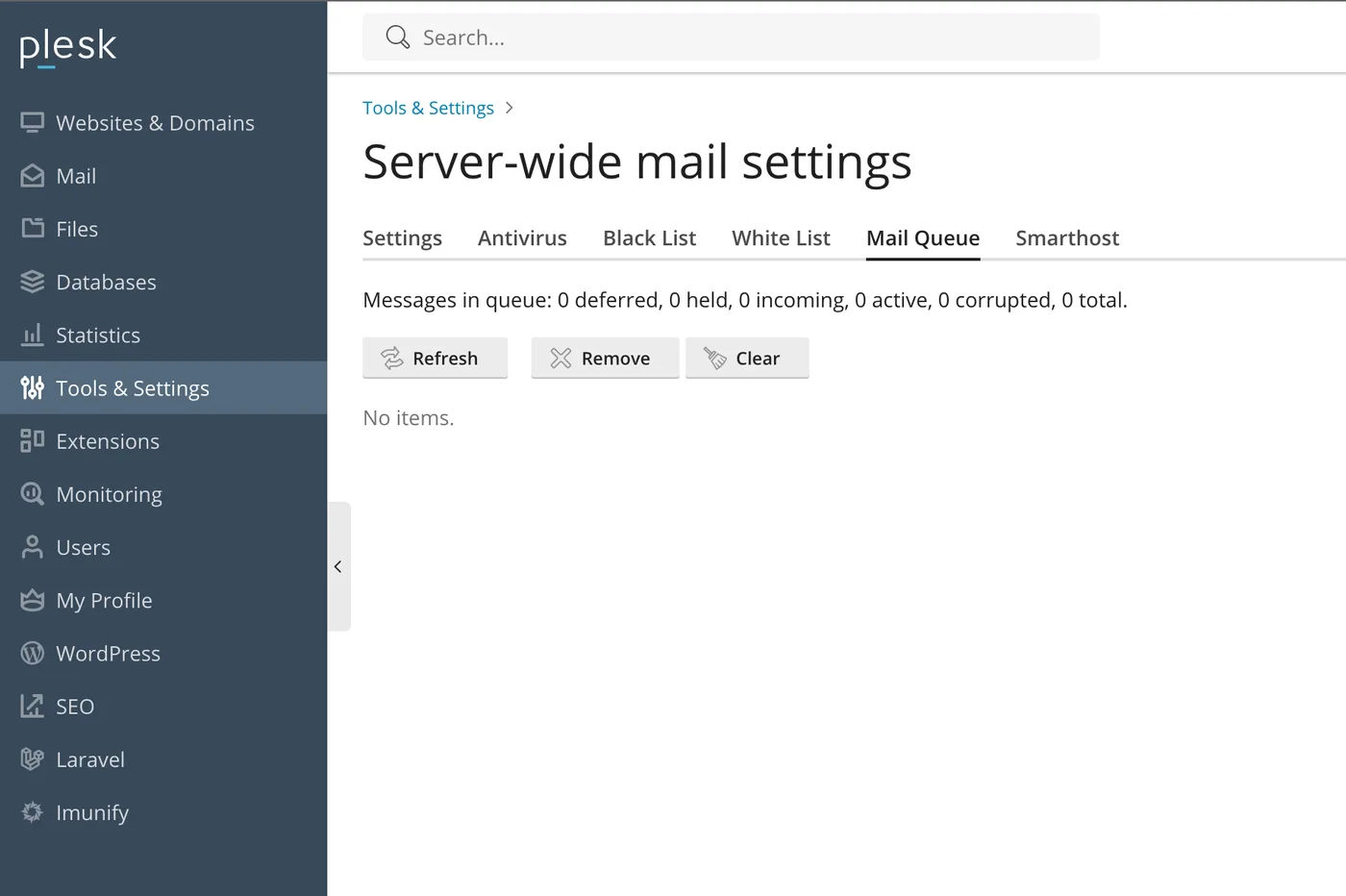
2. Check the Current Exim Mail Queue
First, confirm the load:
exim -bpcQueue sizes above 500 usually indicate spam.
List the queue:
exim -bpIf you see hundreds of identical senders or strange subjects, that’s your spam source.
3. Identify the Top Outgoing Senders
Use Eximstats:
eximstats /var/log/exim_mainlog | headYou’ll see which accounts, scripts, or paths are generating the most email.
Then run this to trace PHP scripts sending mail:
grep "cwd=" /var/log/exim_mainlog | awk -F"cwd=" '{print $2}' | awk '{print $1}' | sort | uniq -c | sort -nr | headIf the output shows paths like:
/home/user/public_html/wp-content/themes/...that WordPress site is compromised.
4. Find Out if SMTP Auth Was Abused
If someone stole a mailbox password, you’ll see this:
grep "A=dovecot_login" /var/log/exim_mainlogLook for the user= field.
Reset those email passwords immediately.
5. Detect Recently Modified Suspicious PHP Files
Most spam scripts drop new PHP files in public_html:
find /home/*/public_html -type f -mtime -2 -iname "*.php"Look for files with weird names:
- 1.php
- mailer.php
- test2.php
- random strings like asdf.php
If the timestamp matches the spam activity, that’s your attack vector.
6. Stop the Spammer Immediately
Once identified:
- Suspend the cPanel user
- Reset cPanel and email passwords
- Quarantine or delete malicious scripts
- Block attacker IPs in CSF
- Enable “SMTP Restrictions” in WHM
- Patch or update WordPress/CMS
If the server is under active abuse or blacklisted, our **Emergency Server Support** can handle high-priority cleanup.
7. Clean the Exim Queue Safely
Remove frozen emails only:
exim -bp | grep frozen | awk '{print $3}' | xargs exim -MrmRemove mail from a specific sender:
exim -bp | grep sender@example.com | awk '{print $3}' | xargs exim -MrmRemove entire queue (only if everything is spam):
exim -bp | awk '{print $3}' | xargs exim -MrmBe careful - clearing legitimate messages can cause delivery issues.
8. Harden Your Server After Cleanup
To avoid repeat attacks:
- Enable SMTP Restrictions in WHM
- Enable cPHulk brute-force protection
- Enforce strong passwords
- Install Imunify360 or at least ClamAV
- Update all CMS installations
- Disable PHP mail() and force SMTP authentication
- Limit per-hour email sending
- Use ModSecurity with updated rules
If long-term monitoring matters to you, consider our **Linux Server Management** service.
9. Quick Admin Checklist
- Check mail queue
- Find outgoing senders
- Trace cwd paths
- Identify PHP mail scripts
- Look for recently modified files
- Reset passwords
- Suspend infected user
- Clean queue
- Harden the server
- Monitor logs for 1 - 2 hours
Need experienced cPanel and WHM support?
Our engineers manage cPanel servers, troubleshoot service failures and keep hosting systems secure and responsive.